How to watch a CS2 demo online
A useful demo review starts before you press play. Get the right file, choose the round you need, and use a view that exposes rotations, utility and spacing without fighting the native replay controls.
The short workflow
- 01
Get the demo
Download the .dem from Steam, FACEIT or your server provider. Keep the original file rather than a screen recording.
- 02
Open it in the browser
Upload the file to a web viewer. RoundIQ parses the match into rounds, events, player positions and equipment.
- 03
Review one question at a time
Start with a lost round or a repeated situation. Follow the rotation, utility timing and spacing that decided it.
Why use a browser demo viewer?
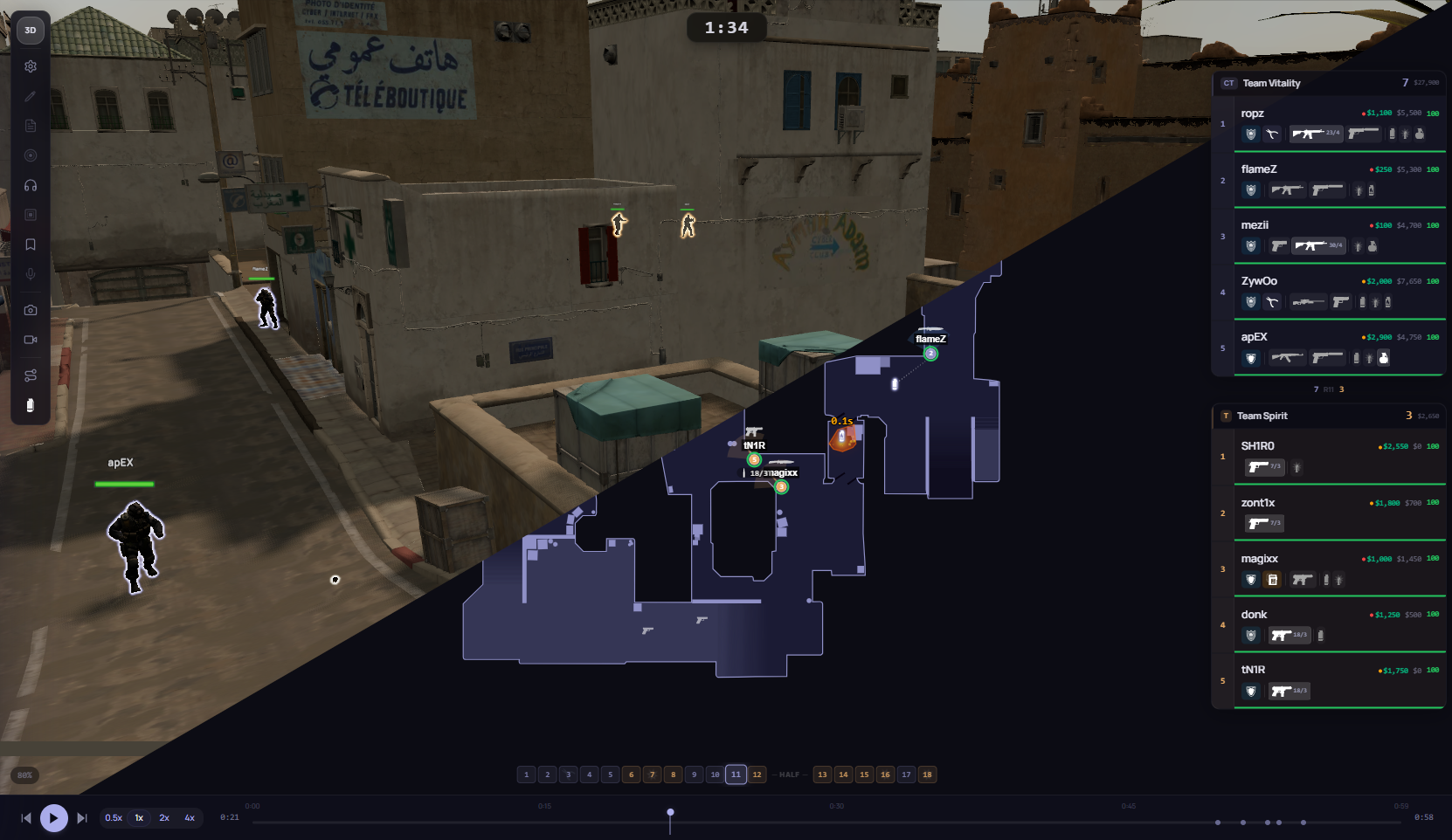
The native CS2 viewer is accurate, but reaching one tactical moment can take longer than studying it. A browser viewer removes console commands, loading screens and manual timestamp hunting. The match is already split by round, so a coach can move directly from the scoreboard question to the relevant replay.
The 2D map is usually the fastest first pass. It shows all ten players, utility and rotations at once. Switch to 3D only when height, line of sight, a grenade trajectory or an individual perspective matters.
A practical review sequence
Do not watch every round at normal speed. Filter the match into decisions: opening deaths, failed site holds, late rotations, lost advantages and repeated utility patterns. Pause before the decisive event and ask what information each player had at that moment.
- Check the economy and intended setup at freeze time.
- Trace the first contact and the information it created.
- Compare the actual rotation with the safest available rotation.
- Save the conclusion as a note or a reusable strat adjustment.
What you need before uploading
Most services provide a compressed download. Extract it until you have a file ending in .dem. A full match can be large, so use a stable connection and leave the browser tab open while it uploads and parses. Public pro matches in RoundIQ can be watched without an account when you want to inspect the viewer first.
Common questions
Can I watch a CS2 demo without installing CS2?
Yes. A browser-based viewer parses the .dem remotely and renders the replay in 2D or 3D without launching the game client.
Can I watch FACEIT demos online?
Yes. Download the FACEIT demo or connect the match, then open it in a compatible browser viewer.
Is a 2D replay enough for analysis?
It is the fastest view for team movement, spacing and rotations. Use 3D or POV when verticality, line of sight or an individual mechanic matters.